Cracked or Dropped MacBook Screen: What to Do Next
A cracked MacBook screen tends to spread, and pressure on the lid makes it worse. Here's how to protect it, keep your files safe, and what the repair involves.
Starts at $179MacBook Screen Repair
Freediagnostic
90 dayswarranty
Try this first
Open and close the lid as little as possible: flexing the lid spreads cracks
Connect an external monitor or TV to check the Mac itself still works
Back up while you can, using the external screen and Time Machine or iCloud
Don't press on black patches or lines; they're damage to the display layer and pressure makes them grow
Carry it closed, in a padded sleeve, on the way to the shop
What it usually means
Cracked glass, picture still showingBlack patches or ink-like blotsLines, flicker or a black screen after a dropDamaged display cable at the hingeBent lid or hinge
Filmed in University City
On our bench
On our bench
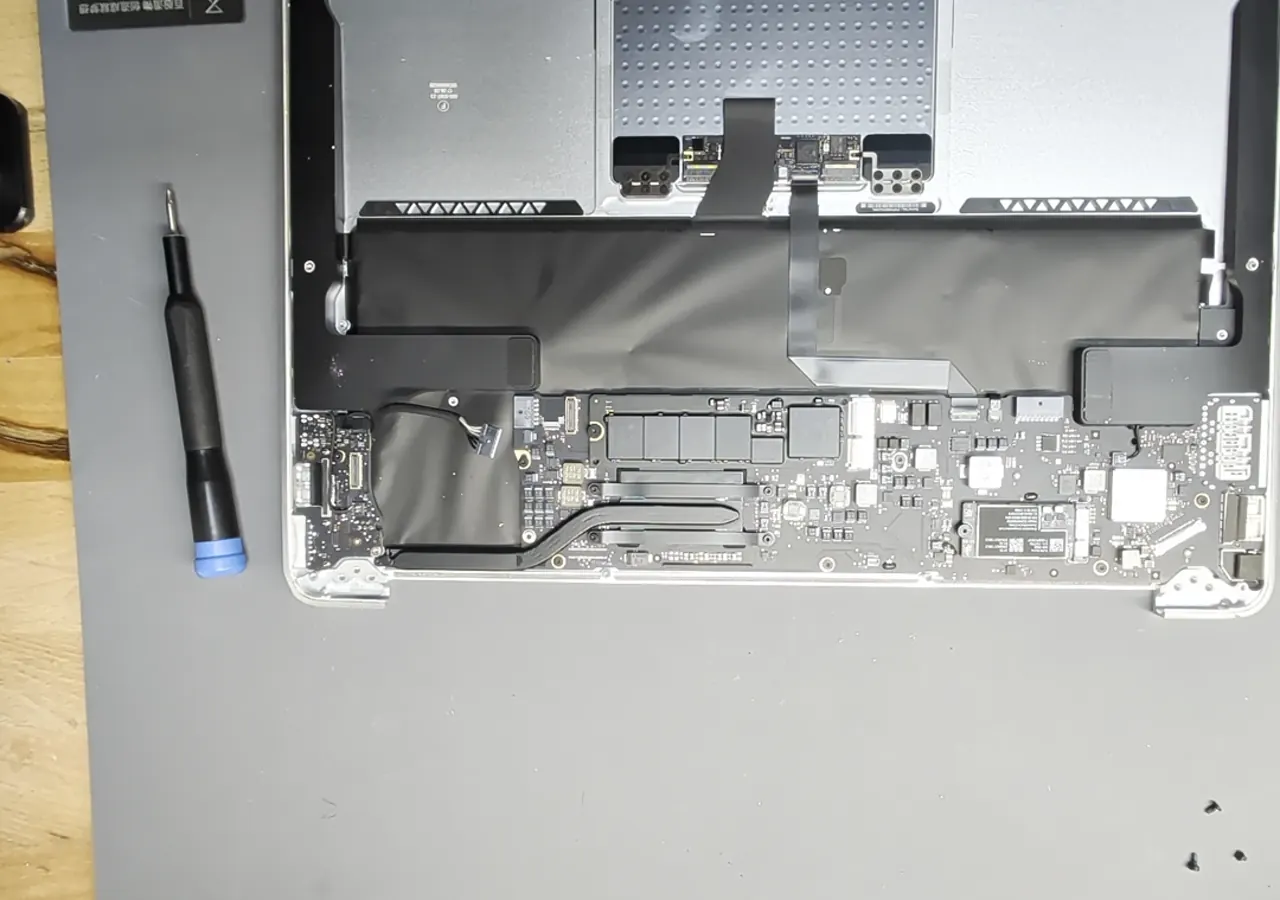
MacBook Air screen replacement. Watch the full repair, step by step
If it needs a repair
Questions
Is it worth repairing a cracked MacBook screen?
Usually, if the rest of the Mac is healthy: a screen costs far less than a new MacBook. The free diagnostic checks the rest of the machine first, so you know before you pay.
Will I lose my files?
A screen replacement doesn't touch the storage, so your files stay where they are. If the Mac still works on an external display, back up anyway.
What does a MacBook screen replacement cost?
It depends on the model and size. The starting price is on this page, and you get the exact figure after the free diagnostic, before any work.
Nationwide
Mail-in repair from anywhere in the U.S.
Free diagnostic when it arrives. Free insured shipping back.
- 1Tell us your model and the problem
- 2Ship it insured. We diagnose it within a day
- 3Approve the price. Fixed and back in 7–10 days
More guides
iPhone Screen Black, Green or Showing Lines? What to Check First
iPhone · 4 min read
iPhone Battery Health Low or Saying 'Service'? When to Replace ItiPhone · 4 min read
Green, Pink or White Line on a Samsung Galaxy Screen: What It MeansSamsung · 3 min read
MacBook Battery Saying 'Service Recommended' or Draining Fast: What It MeansMacBook · 4 min read