Repair video
MacBook Air keyboard replacement after a spill
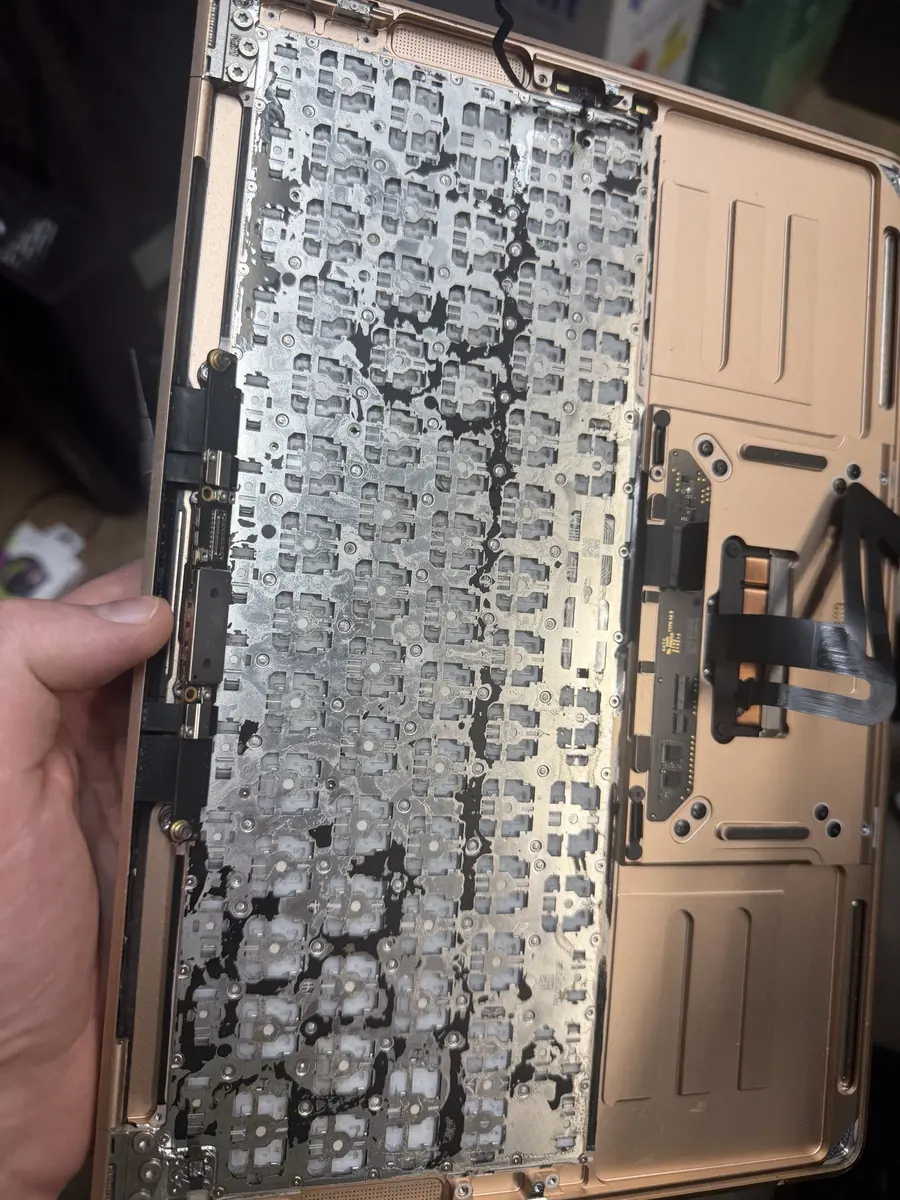
A spill on this MacBook Air damaged its keyboard. We took it apart, replaced the keyboard inside the original top case, and put it back together.
Keys dead or sticky after a spill, or a worn butterfly keyboard? We replace MacBook keyboards in University City, often without a whole new top case. Free diagnostic first, 90-day warranty.
Bring it in or mail it in. We open the MacBook, check how far any spill reached, then take the old keyboard out of the top case and fit a new one, screw by screw. Apple usually replaces the whole top case for a keyboard fault; on many models we replace just the keyboard. The diagnostic is free, you approve a firm quote before any work starts, and every repair carries our 90-day warranty.
Liquid reached the keyboard. Some keys go dead, others type twice or on their own. The board underneath may need cleaning too.
Dried drink residue under the keycaps. It rarely clears on its own, and prying keycaps off often breaks the clips.
Common on the 2016 to 2019 butterfly keyboards, and after liquid gets under the switches on any model.
The backlight is a separate layer under the keyboard. Liquid and corrosion can take out part of it or all of it.
A cap that won't clip back on, or a switch broken underneath it.
They share the top case and its cables. We check all of it before quoting.
The most common reason for a new keyboard. Coffee, soda and juice leave sticky, corrosive residue between the switches.
The 2016 to 2019 MacBook and MacBook Pro keyboards fail from dust and debris under very shallow switches.
Debris under a switch stops it registering or makes it stick.
Keycap clips are tiny and break easily. A broken clip or switch can't be glued back reliably.
We note which keys, the backlight, the trackpad and the ports work, and look for signs of liquid. If it was a spill, we don't keep powering it on.
We disconnect the battery as soon as it's open, so no current runs through any wet or corroded areas.
On most MacBooks the keyboard is fixed into the top case from inside. The board, battery, speakers and cables come out to reach it.
The old keyboard and its backlight come out of the top case. Any spill residue on the top case and board is cleaned off.
The new keyboard is fitted and screwed down one screw at a time, then the backlight and shields go back in place.
Everything goes back in, and we test every key, the backlight, the trackpad, charging and every port before you collect it.
MacBook Air keyboard replacement after a spill. Watch the full repair, step by step
Apple's usual fix is a new top case with the keyboard already in it. That isn't always necessary. We tell you which option fits your MacBook at the free diagnostic.
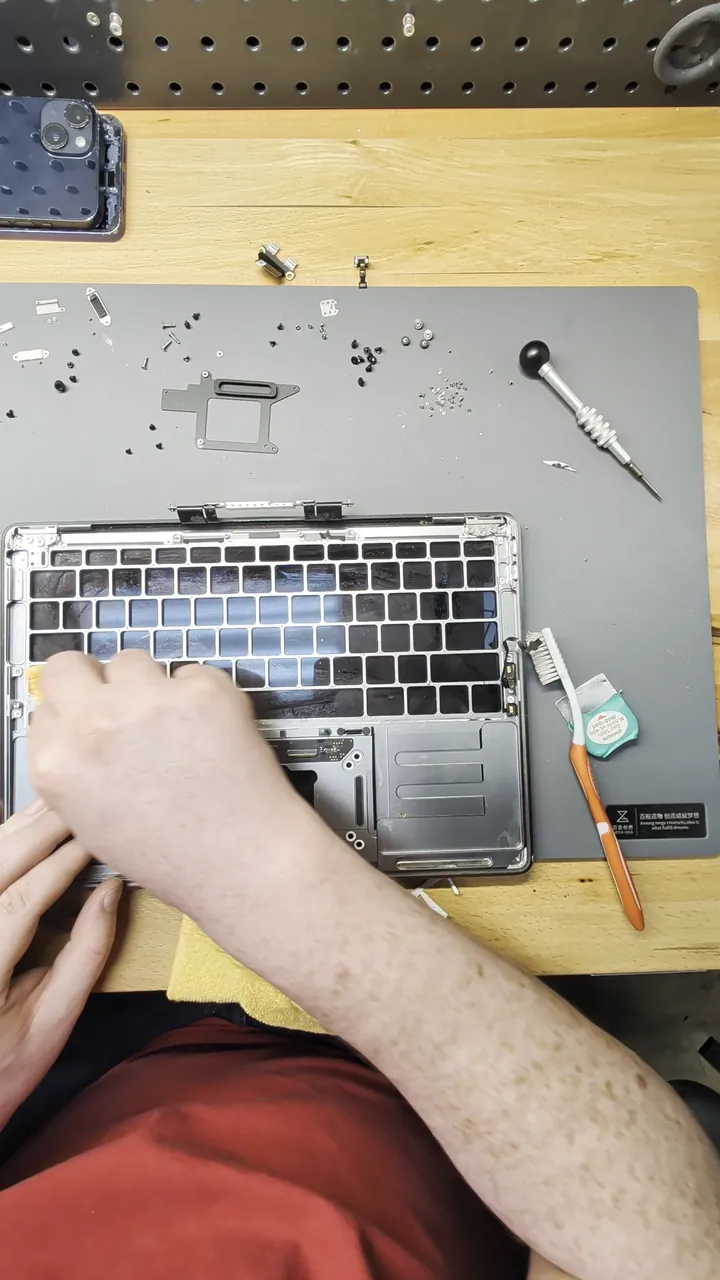
The old keyboard comes out of your existing top case and a new one goes in. This is what the repair videos on this page show.
When the top case itself is bent, cracked or badly corroded, or a model's keyboard can't be replaced on its own.
If liquid caused it, we check and clean the board while it's open. Board damage found after a spill is quoted separately, before we do it.
A keyboard replacement means taking almost the whole MacBook apart and putting it back together, so it isn't a while-you-wait job. We confirm the timing with your quote, once we know whether the keyboard alone needs replacing or the spill reached the board too. Mail-in repairs are back in 7 to 10 days.
A spill on this MacBook Air damaged its keyboard. We took it apart, replaced the keyboard inside the original top case, and put it back together.
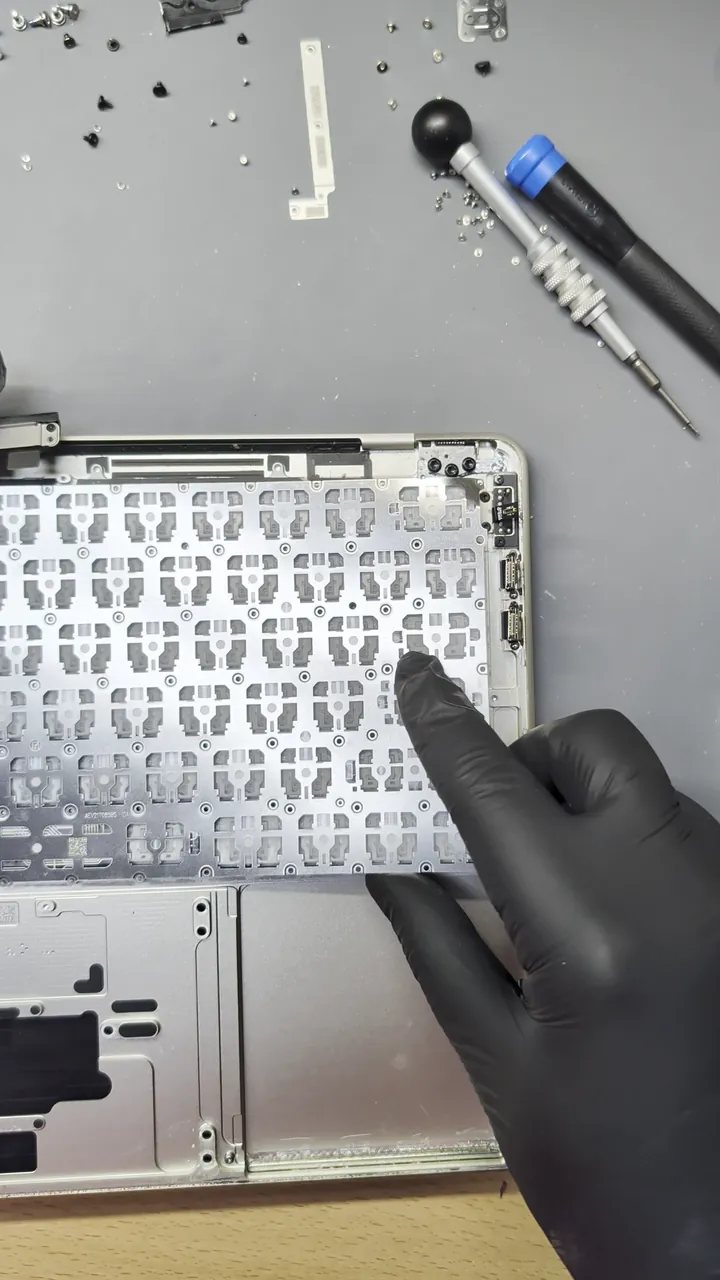
This silver MacBook came in after a liquid spill. We took it down to the top case, swapped the old keyboard for a new one, then put it back together and powered it on.
… I originally brought it in with my external hard drive, hoping to just get the few files off the laptop BUT in less than an hour Michael had the old faithful laptop back up and running.Chozen Child · Laptop repair · Google review
Michael if We Save Data is AMAZING!! He is definitely the guru of this business! Michael restored my laptop after I locked myself out, could not remember the password and no longer had access to my old email account. …Alana Gibbs · Laptop repair · Google review
… This company ordered the part and repaired my laptop in a timely fashion for an inexpensive price. …Aniya Smith · Laptop repair · Google review
Real customer reviews from Google and Yelp, quoted word for word. … marks where a longer review was shortened.
Covered Everything protects your phone plus up to 25 more devices, like consoles, laptops and tablets, for $19.99 a month. Set it up when you collect your repair.
How Covered worksOn parts and workmanship.
$99 per claim on this MacBook, $50 on your phone. Cancel anytime.
Bring it in and we handle the claim with you.
On an Apple Silicon MacBook Air or Pro, a new keyboard is almost always worth it. The rest of the machine has years left, and a keyboard-only repair usually costs less than a full top case. On an older Intel MacBook that can't run current macOS, compare the quote with the price of a newer model. If a spill also damaged the board, we tell you before any work starts, so you can decide with the full picture.
Replacing a MacBook keyboard is one of the hardest repairs on the machine. On most models it means removing the board, battery and speakers, then dozens of tiny screws, and some keyboards are riveted in. Prying keycaps off to clean underneath usually breaks the clips. If keys are sticky after a spill, stop using it and bring it in. Opened it already and got stuck? We can finish the job.
On many models we replace just the keyboard inside your existing top case, as in the videos on this page. If the top case itself is damaged, or the model needs it, we quote a full top case. You'll know which before any work starts.
It depends on the model, and on whether a spill reached anything else. The diagnostic is free and you approve a firm quote before we start.
Sometimes. Liquid that gets past the keyboard can reach the board underneath. We check and clean the board while it's open, and quote anything else it needs before doing it.
A keyboard replacement doesn't touch your storage. Back up first if the MacBook still works, as you would before any repair.
Yes. The 2016 to 2019 MacBook and MacBook Pro butterfly keyboards are some of the most common keyboard repairs we see.
The backlight is part of the job. We test it with every key before the MacBook goes back to you.
Yes. Every repair has a 90-day warranty on parts and workmanship.
We confirm the timing with your quote. Mail-in repairs are back in 7 to 10 days.
Yes. Pack it well and ship it from anywhere in the US. Return shipping is free and insured.
Free diagnostic when it arrives. Free insured shipping back.