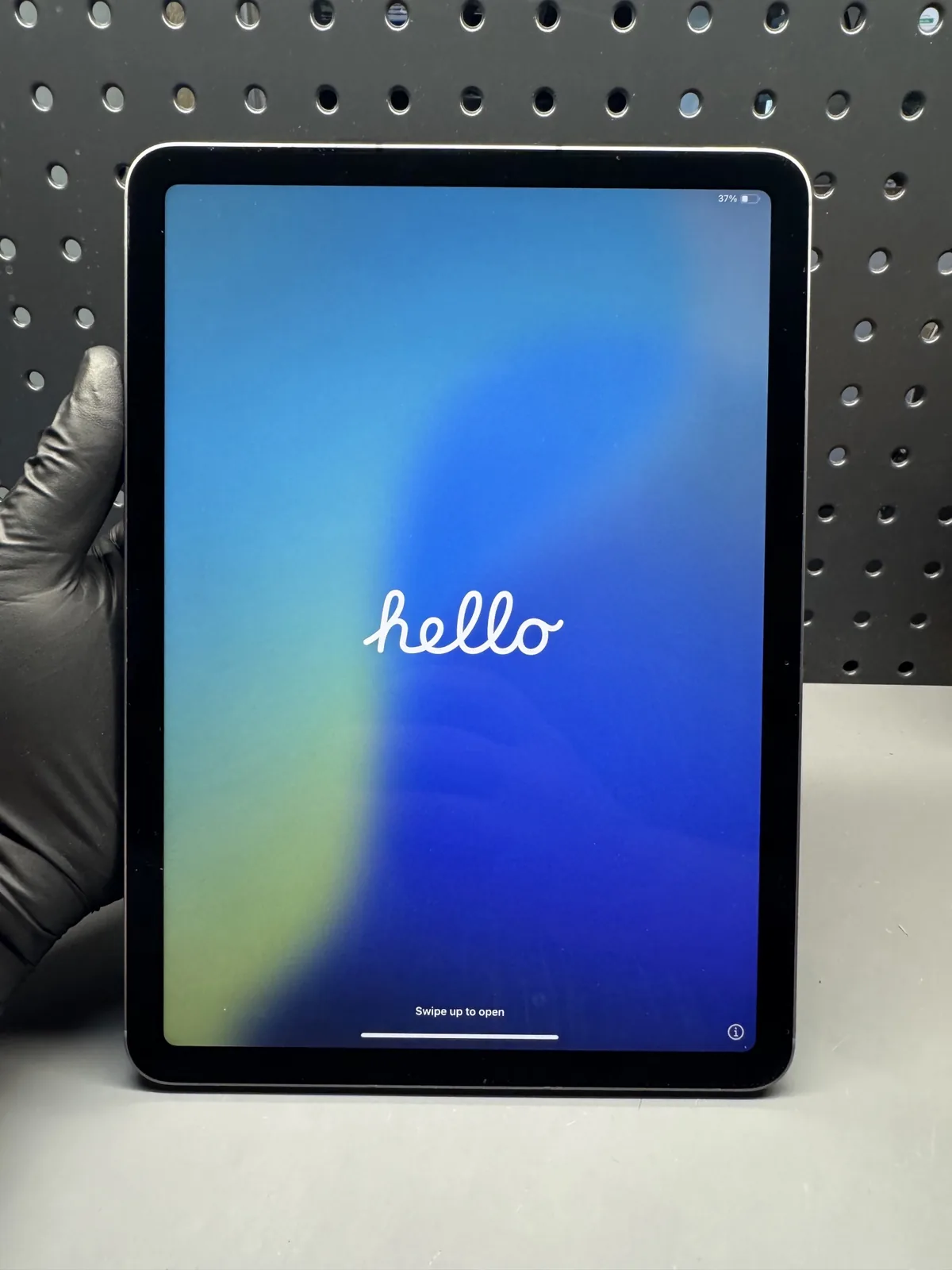
Tablet Charging Port Repair in Charlotte, NC
Tablet charging symptoms can come from the cable, power source, battery, connector or logic board, so the cause is diagnosed before quoting.
Charging trouble can come from the cable, the adapter, the battery, the port or the logic board, so we test before we quote. The diagnostic is free. The exact price for your model appears on this page. We confirm the turnaround once we've checked your exact model, nothing starts until you approve, and the repair carries our 90-day warranty.
Signs you need this repair
You have to hold or prop the cable just right. That's usually a worn port, bent contacts or lint pushing the plug out.
Plugs used to click in firmly and now slide out. Packed lint or worn retention springs in the port are the usual cause.
iPads show Not Charging in the status bar when the adapter is too weak or the connection is poor. Try the adapter that came with the tablet first.
A damaged cable or a corroded Lightning or USB-C port can trigger this warning. The fix depends on which one is at fault.
The charging icon flickers, or it takes all night to gain a little. Corrosion and partly broken pins cause intermittent contact.
It charges but won't sync or show up on a computer. The data pins in the port may be damaged even if the power pins work.
What usually causes it
Backpacks and pockets pack lint into the port until the plug can't seat fully. This is the most common cause, and often a cleaning fixes it.
Using a tablet while it's charging, especially lying in bed, puts sideways pressure on the plug and loosens the port over time.
Spills and humid storage corrode the contacts. Green or white residue in the port blocks charging and can short pins.
A charging chip on the logic board can fail after using a bad charger or after liquid damage. The port then looks fine but the tablet still won't charge.
How we fix it
- 1Inspect under magnification
We look into the port under a microscope for lint, corrosion, bent pins and cracks in the connector. You can see what we see.
- 2Test with known-good gear
We plug in our own tested cables and adapters with a USB meter inline. The reading shows whether power is reaching the tablet and how much it's taking.
- 3Clean first when that's enough
If debris is the problem, we remove it with non-metal tools and clean the contacts. Many tablets charge normally again after this alone.
- 4Replace the port when needed
On many Galaxy Tabs and some iPads the port sits on a separate flex cable or small board that can be swapped. On others it's soldered to the logic board, and replacing it is micro-soldering work done here on the bench.
- 5Test charging and data
After the repair we confirm normal charging speed, a firm plug fit and data connection to a computer, then let it charge for a while to make sure it's stable.
Your repair options
Which fix you need depends on what the inspection shows. We start with the least invasive option that will actually solve it.
For lint and light debris. Quick, and it often fixes the problem completely.
For bent pins, a cracked connector or worn contacts on models where the port is a separate part.
For tablets with the port soldered to the logic board, or a failed charging chip. Done with micro-soldering on the bench.
If the port tests fine and the battery is what's failing, we quote a battery instead.
How long it takes
We confirm the turnaround after we've checked your model, because it depends on where the port sits and whether the part is in stock. Cleanings are quick. A port on a separate cable takes longer, and board-level work or a part that has to be ordered takes the longest. You know the timing before you approve.
Tablet Charging Port Repair prices by model
Live prices from our shop price sheet. Parts and labor included, with a 90-day warranty.
| Model | Charging Port |
|---|---|
| iPad Pro 12.9" 6th Gen 2022 | $199.99 |
| iPad Pro 12.9" 5th Gen 2021 | $199.99 |
| iPad Pro 12.9" 4th Gen 2020 | $199.99 |
| iPad Pro 11" 4th Gen 2022 | $199.99 |
| iPad 11th Gen A16 2025 | $124.99 |
| iPad Pro 10.5" | $159.99 |
| iPad 10th Gen 2022 | $124.99 |
| iPad Pro 9.7" | $159.99 |
| iPad 8th Gen (2020) | $109.99 |
| iPad Mini 7 (A17 Pro) (2024) | $199.99 |
| iPad 7th Gen (2019) | $109.99 |
| iPad Mini 6 | $199.99 |
| iPad 6th Gen (2018) | $109.99 |
| iPad Mini 5 | $174.99 |
| iPad Air 5 (2022) | $149.99 |
| iPad Mini 4 | $129.99 |
| iPad Air 4 (2020) | $149.99 |
| iPad Air 3 | $124.99 |
| iPad Mini 2 | $109.99 |
| iPad Air 2 | $124.99 |
| iPad Air 1 | $109.99 |
| Galaxy Tab | $99.99 |
Models we repair
What customers say
They were awesome and fixed my charging port which was much needed for me! I highly recommendGavin Thorpe · Charging port · Google review
… He is very kind and that goes so far especially with the day I’ve had! 35 mins and I was in and out for a charging port, and was taking care of other guests!Abby Selouani · Charging port · Google review
Came in with a messed up charger port and a broken back and they fixed the back and port I was in and out very good workDerrick · Charging port · Google review
Real customer reviews from Google and Yelp, quoted word for word. … marks where a longer review was shortened.
Protect your tablet and everything else at home
Covered Everything protects your phone plus up to 25 more devices, like consoles, laptops and tablets, for $19.99 a month. Set it up when you collect your repair.
How Covered works90-day warranty
On parts and workmanship.
Covered Screen
Crack it again within 12 months and the next one is free. Included.
Covered Everything
$99 per claim on this tablet, $50 on your phone. Cancel anytime.
Fixed here, on our bench
Bring it in and we handle the claim with you.
Before you bring it in
- Try a different cable and the adapter that came with the tablet, and tell us what happened.
- Don't dig in the port with pins, paper clips or anything metal.
- Back up the tablet if it still has some charge.
- Bring your usual cable and adapter so we can test them too.
- Note your model number from the back case or settings.
Repair or replace?
A charging port is usually a small fix compared with a new tablet, and a cleaning costs less still, so repair almost always makes sense. The exception is an older tablet with a dead charging chip plus a worn battery and a cracked screen. In that case we lay out the total so you can compare it with replacing it.
Thinking of fixing it yourself?
You can safely try a different cable and adapter, and shine a flashlight into the port to look for lint. If you see some, a wooden toothpick worked gently along the walls can pull it out. Don't use metal, compressed air from a can held close, or liquids, which can short pins or push debris deeper. If it still won't charge after that, the port or board needs bench work, and opening a tablet to replace a port means removing a glued screen or back cover.
After your repair
- Avoid using the tablet with the cable bent sharply at the plug.
- Check the port for lint every few months, especially on tablets that travel in bags.
- Use good-quality cables and adapters. Cheap ones wear ports and can damage charging chips.
- Keep drinks away from the charging spot.
Questions people ask
Can the charging port just be cleaned instead of replaced?
Often, yes. Lint is the most common cause of charging trouble, and a careful cleaning fixes many tablets. If the pins are bent, corroded or broken, the port needs replacing.
Do you repair USB-C and Lightning ports?
Yes, both. iPads use Lightning or USB-C depending on the model, and Android tablets use USB-C or older micro-USB. We check which you have and how it's built.
How long does tablet charging port repair take?
We confirm the time after checking your model. Cleanings are fast, port swaps take longer, and board-level work or ordered parts take the longest.
How much does a tablet charging port repair cost?
Pricing by model is on this page. Your quote depends on whether it needs cleaning, a port replacement or board work, and you approve it before we start.
Could the problem be my cable or charger instead of the port?
Yes, often. A damaged cable or a weak adapter can cause the same symptoms. We test with our own known-good gear so you don't pay for a port you don't need.
Why does my iPad say Not Charging?
Usually the adapter is too weak, like a small phone cube, or the connection is poor. Try a higher-wattage adapter first. If it still says Not Charging, bring it in.
My tablet charges but won't connect to my computer. Is that the port?
It can be. The data pins can fail while the power pins still work. A bad cable or a software setting can also cause it, and we check all three.
Is there a warranty?
Yes. Eligible charging port repairs carry our 90-day warranty.
Related repairs
Mail-in repair from anywhere in the U.S.
Free diagnostic when it arrives. Free insured shipping back.
- 1Tell us your model and the problem
- 2Ship it insured. We diagnose it within a day
- 3Approve the price. Fixed and back in 7–10 days